Ordo
Triage your day. Speak or type what needs doing, then swipe it into one of three corners — red for now, amber for soon, green for later.

Triage your day. Speak or type what needs doing, then swipe it into one of three corners — red for now, amber for soon, green for later.
Most to-do apps let you write anything down and then quietly punish you for it — a flat list where a dentist appointment and "buy socks" carry exactly the same weight. Ordo borrows the one idea that works when everything arrives at once: triage. Every task gets sorted, immediately, into one of three lanes. Nothing sits unsorted, and nothing pretends to be equally urgent.
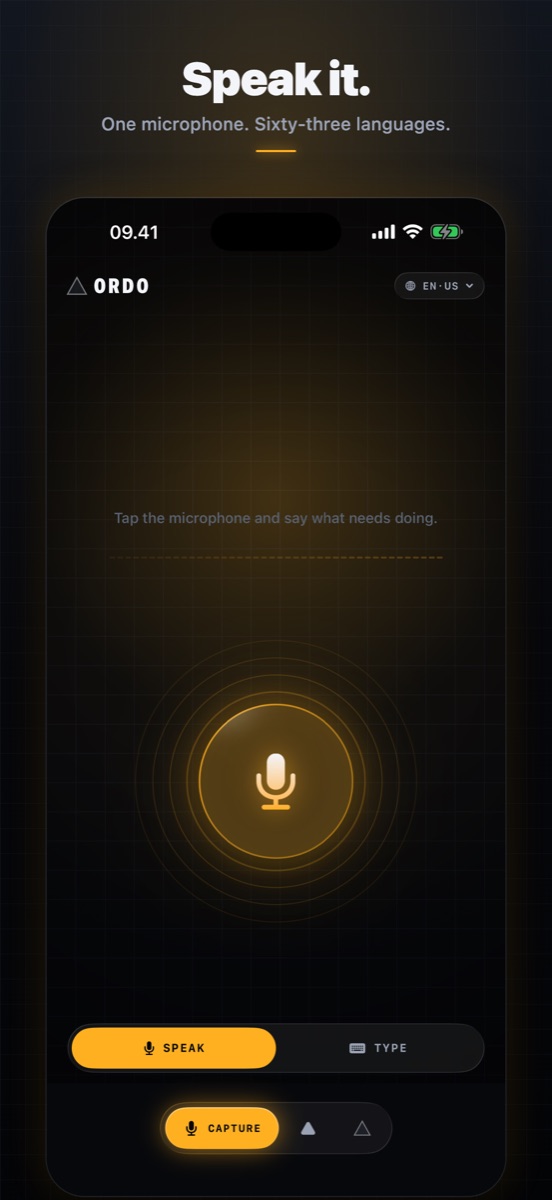
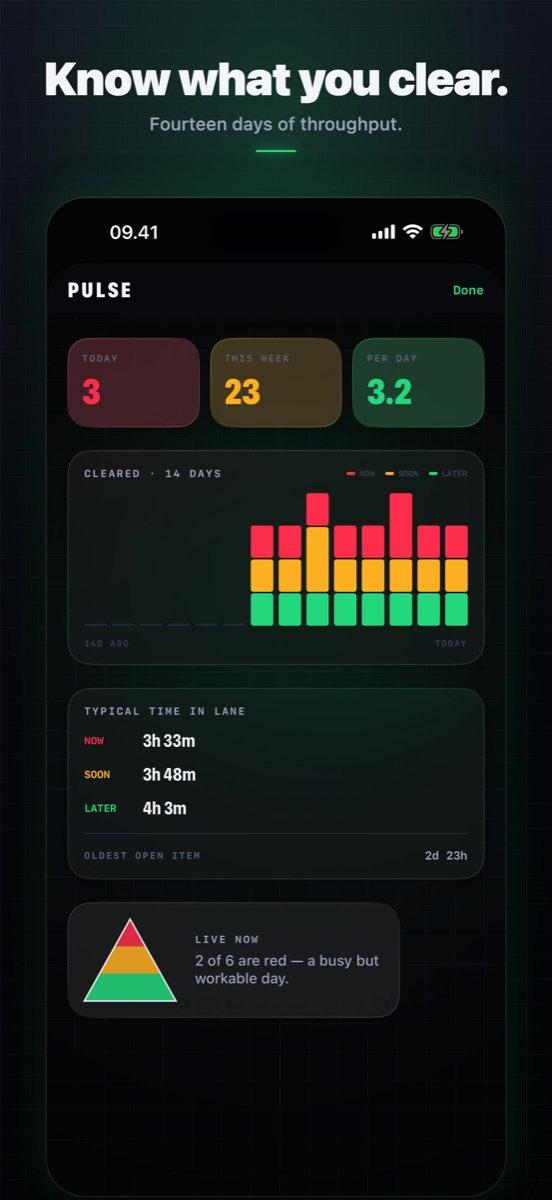
The whole capture screen is a microphone. Tap it, say the thing, stop talking — Ordo notices the pause and closes the recording itself. Rings around the mic move with your actual voice, so you can see it is hearing you before you find out it wasn't. If speaking isn't an option, the Type button turns the same circle into a text panel.
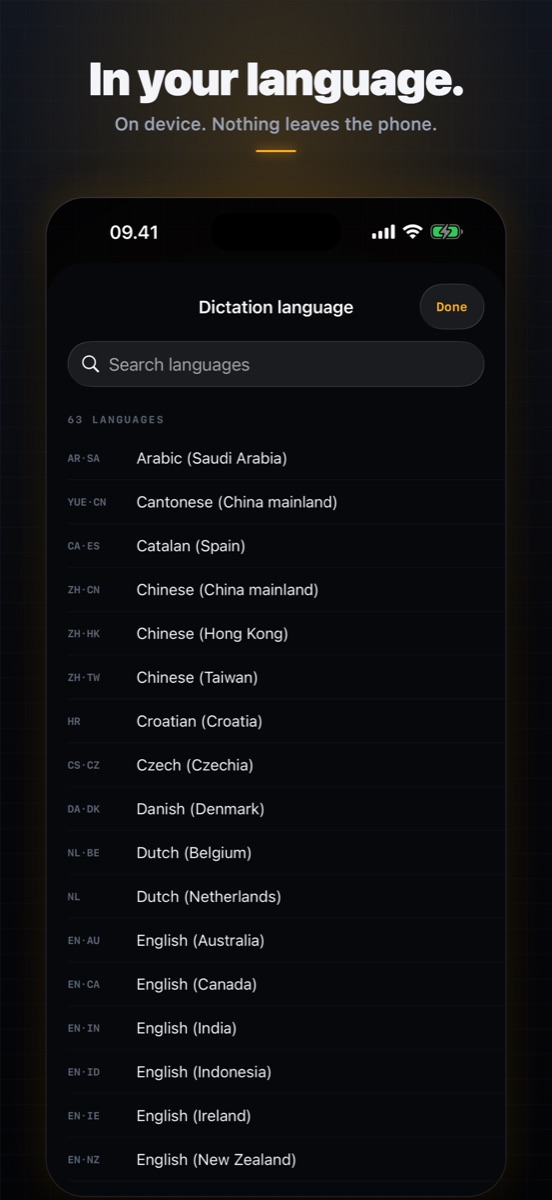
Ordo uses every dictation language your iPhone supports — 63 language-and-region combinations across 34 languages, from Danish and Thai to Brazilian Portuguese and Cantonese. The language is a setting you pick, not something inherited from your phone's system language, so you can capture a task in your mother tongue on an English phone. Whichever you choose, Ordo prefers your device's offline recogniser: nothing is sent anywhere. Some languages can only be transcribed with Apple's help, and Ordo will not use it unless you switch that on yourself.
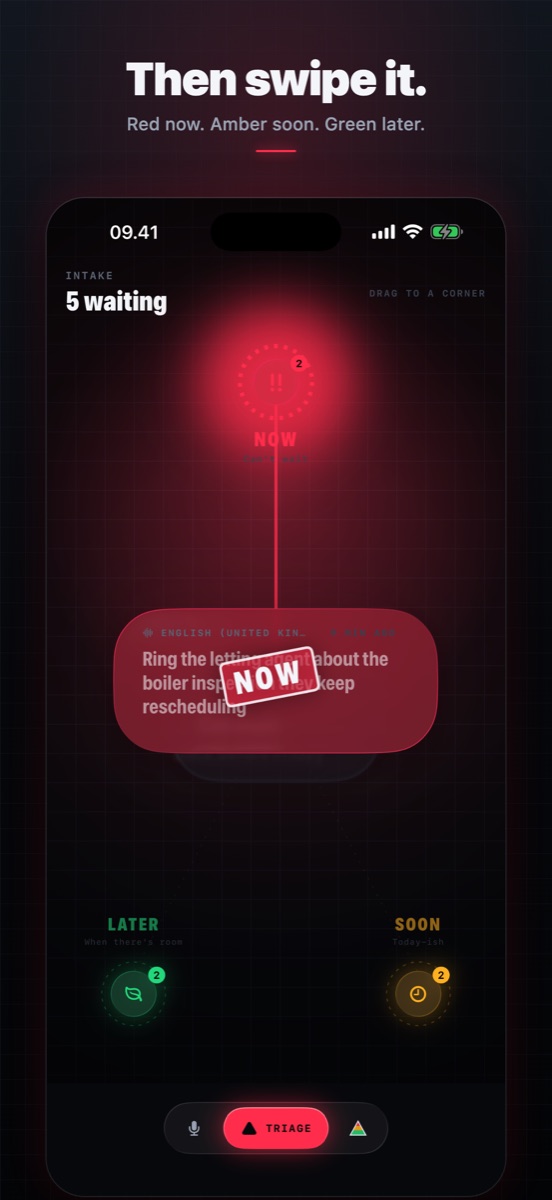
Once captured, the task becomes a bubble floating in the middle of a triangle — a lens of frosted glass that drifts on the spot and squashes in whichever direction you throw it. Drag it towards a corner and that corner charges up: the ring thickens, colour floods the glass, a stamp lands. Let go and the bubble rushes in and pops, throwing a spray of droplets out across the corner. Up is red, Now. Down-right is amber, Soon — the everyday default, right under your thumb. Down-left is green, Later. A flick counts as much as a full drag, and tapping a corner works too.
On iOS 26 Ordo uses Apple's Liquid Glass throughout — the bubbles, the navigation rail, the microphone and every panel are real glass that refracts what's behind them and responds to touch. On iOS 18 and 25 the same surfaces fall back to a hand-built equivalent: layered material, a top-lit rim and a slow iridescent sweep. Same app, same feel; the newer OS just renders it for real.
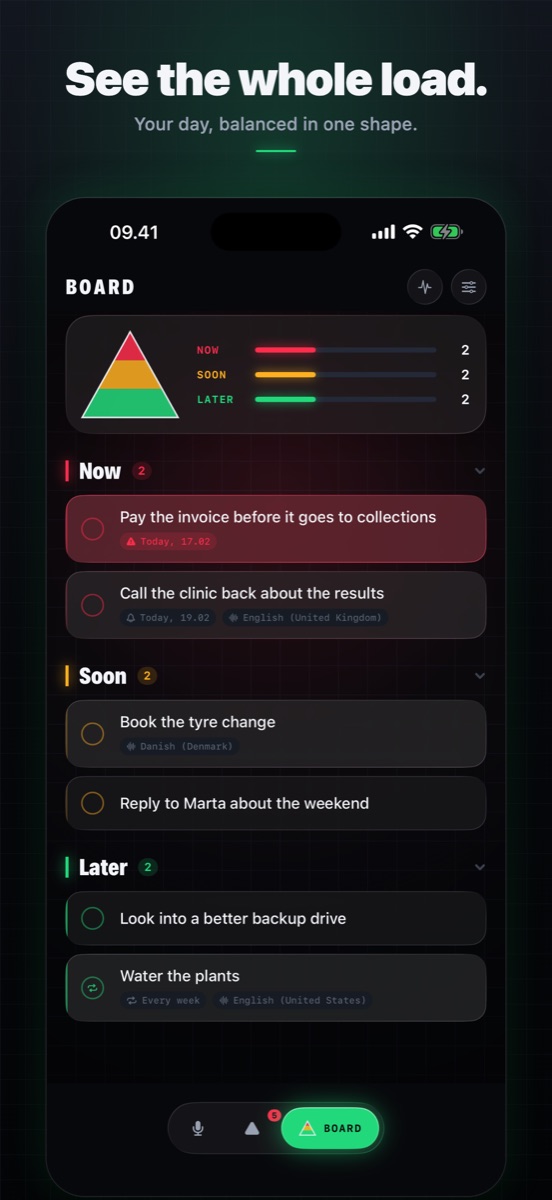
The board fills a triangle in proportion to what's in each lane, so the balance of your day is one glance, not a scroll. A top-heavy triangle means too much is red — which usually means it wasn't really triaged. Tasks age visibly: leave something in a lane long enough and its edge starts to smoulder.
Give any task a time and Ordo notifies you. Red tasks arrive as time-sensitive alerts so they cut through a Focus; amber and green wait their turn. Notification permission is only asked for the first time you actually set a reminder — never on launch.
No account. No analytics. No trackers. No third-party SDKs. Ordo has no server at all — your tasks live in a single file on your device and nowhere else. With offline dictation, your voice never leaves the phone either.
Ordo is free, and the free version is a whole app: capture by voice or text, all three lanes, reminders, the board. The free board holds 6 live tasks at a time. Ordo Pro lifts the cap and adds:
Ordo Pro is $2.99/month or $19.99/year starting with a 7-day free trial — both renew automatically until cancelled, and you can cancel any time in Settings. If you would rather not rent software, a $34.99 lifetime unlock buys it outright and never renews. No ads on any tier.